Welcome to the February 2023 OpenScienceLab Update!
Changes:
OpenScienceLab
OpenSARLab is now a part of OpenScienceLab with significant changes. Users can access different courses from a single page.
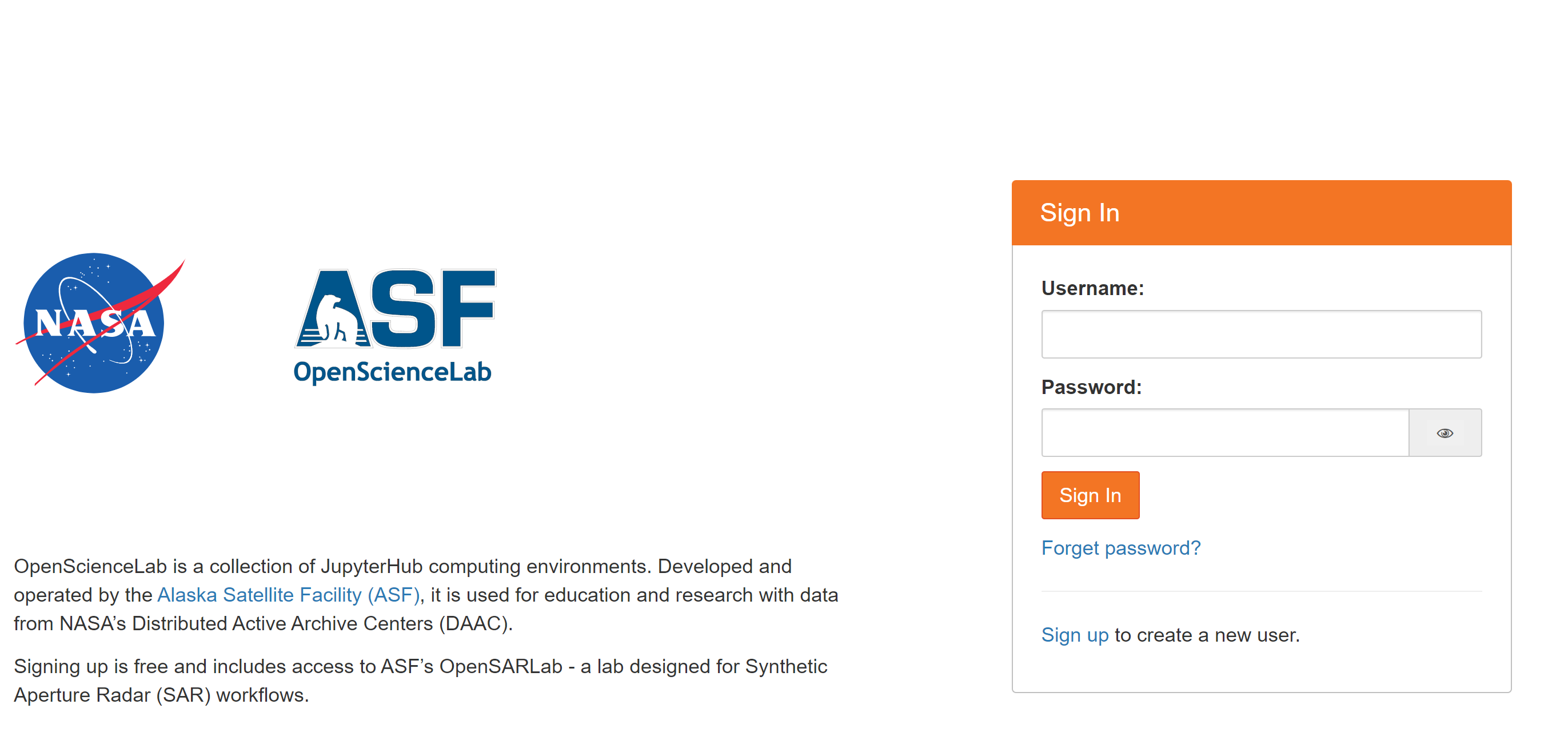
Single Sign On
New single sign-on (SSO) to simplify the logging-in process. SSO eliminates the burden of the sign-on process by listing all accounts on a single web page with additional layers of security.
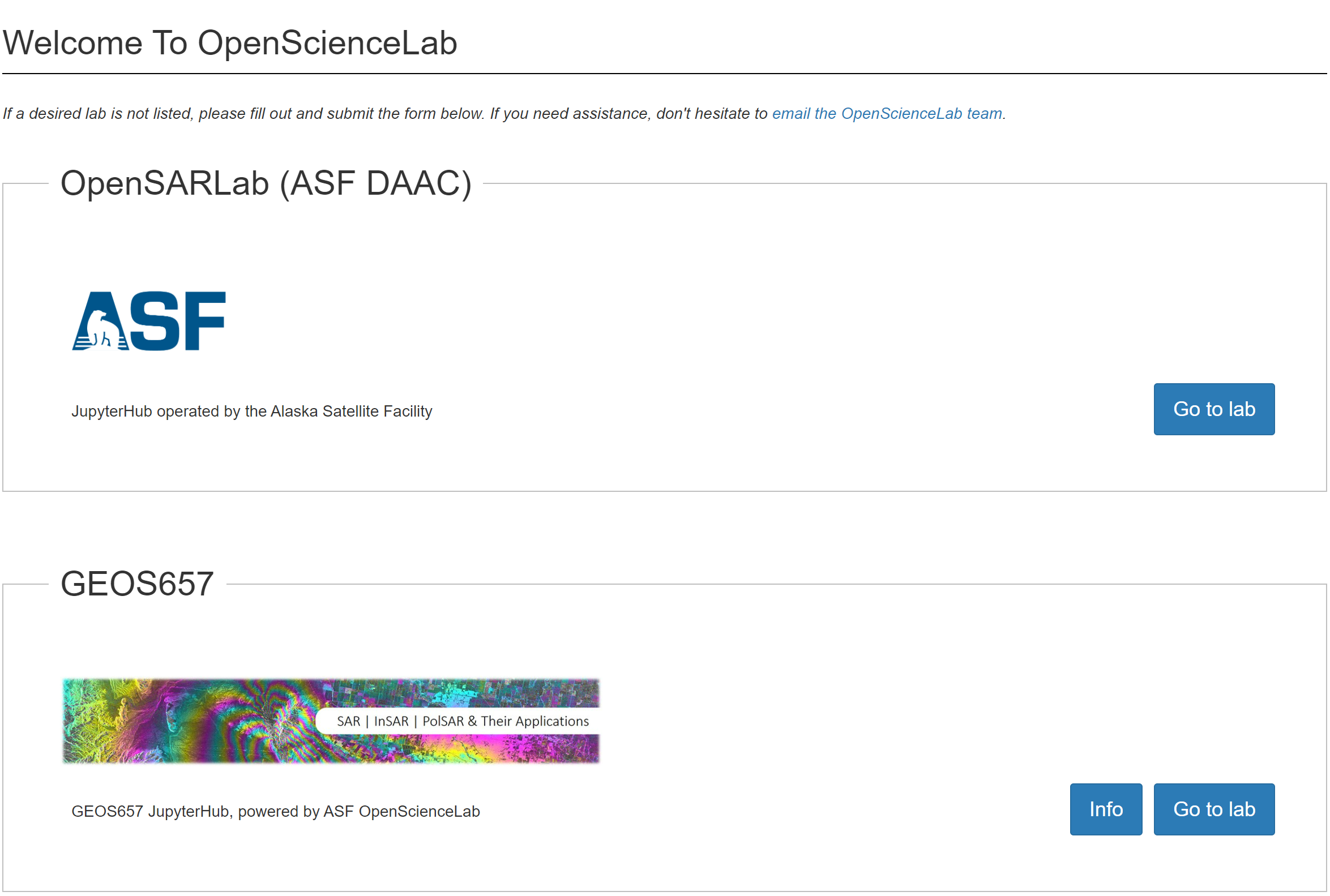
Automatic Authentication
Users who sign up to the OpenScienceLab no longer need admins to activate their accounts.
User Access
Admins can easily give users access to different profiles from a single page. Admins can toggle access lists based on various deployments.
IP Filter
OpenScienceLab will prevent users in one of NASA’s designated countries list from creating an account so that we are compliant with NASA’s security protocol.
User Request
Users can send a request to the OpenScienceLab team from the portal.

Multi Download
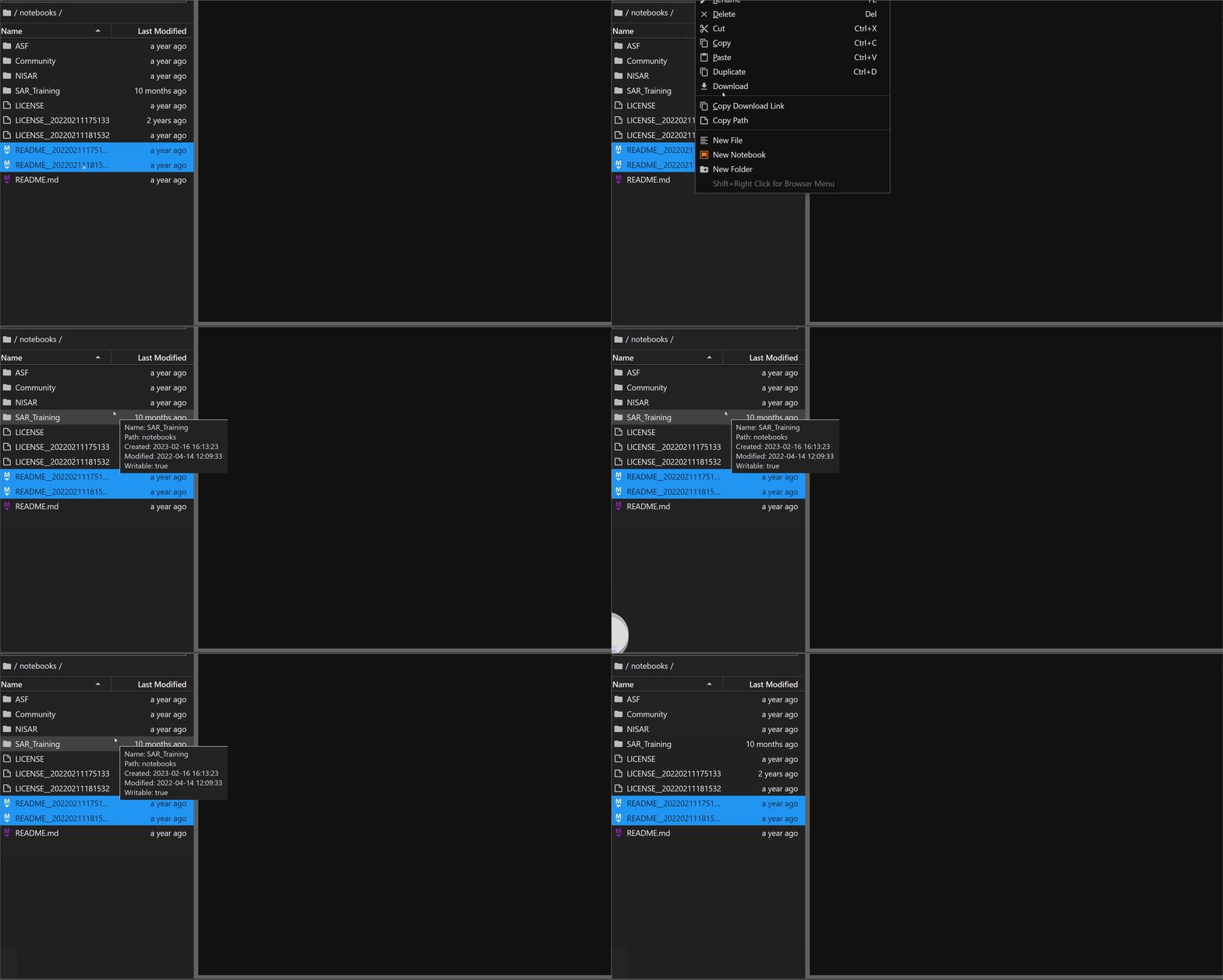
Users can download multiple files at once through OpenScienceLab.
NB: Downloading multiple directories requires users to compress the directories beforehand.
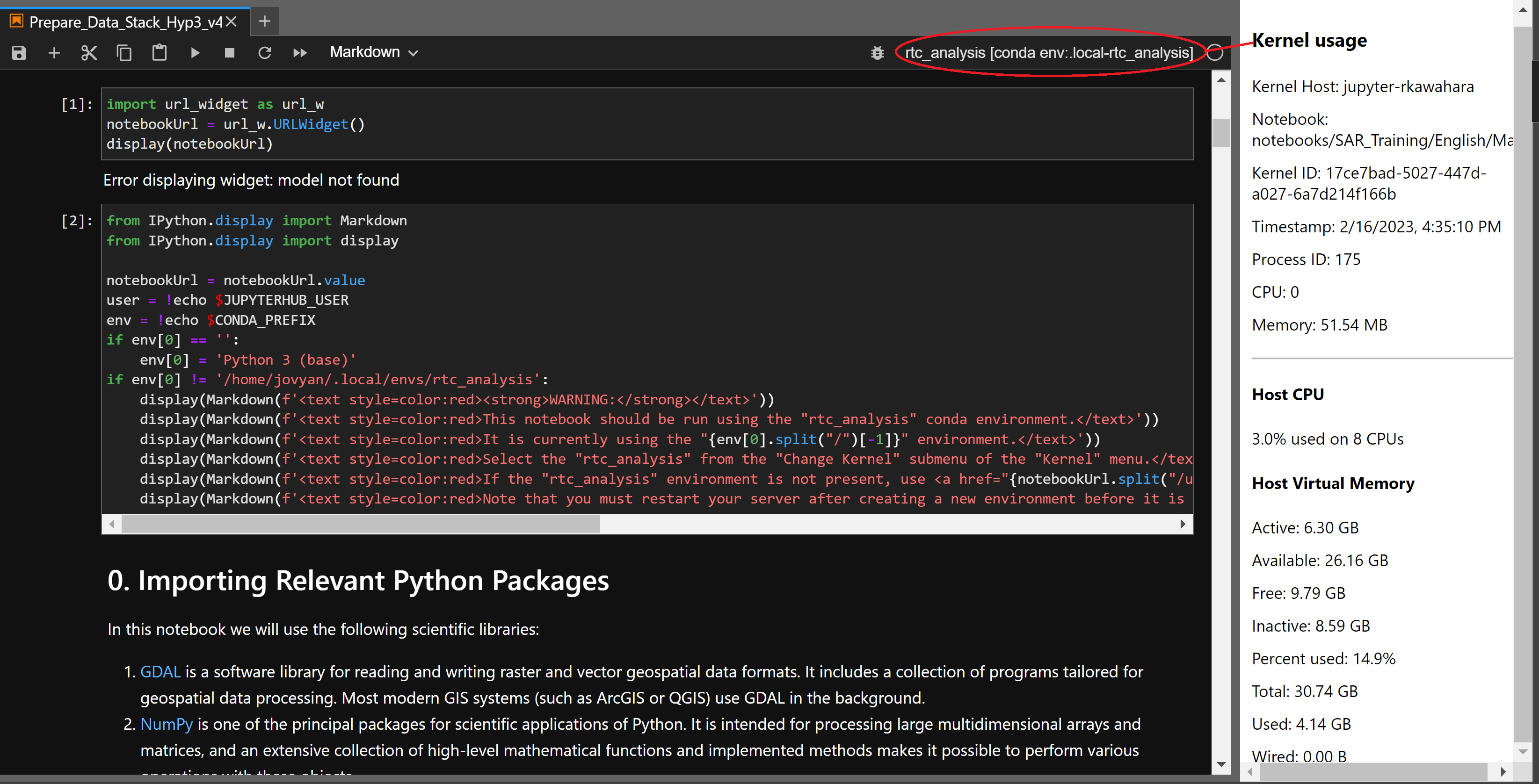
Kernel Usage
The latest update of JupyterLab has a built-in kernel monitor that tracks detailed resource usage, such as:
Kernel Host
Memory consumption and availability
CPU usage
Recommended Jupyter Notebook Changes
The following bullet points cover code changes you may need to make to your notebooks for them to work in JupyterLab:
MintPy Update:
Due to the recent MintPy update, import syntax for version 1.4.1+ differs from previous versions. As a result, some notebooks may be incompatible with the latest version of MintPy. Below are examples of how to import MintPy depending on which versions you have:
# version 1.4.0 and below:
import mintpy.view as view
import mintpy.tsview as tsview
.
.
.

# version 1.4.1+
from mintpy.cli import view, tsview, ...
For additional backward compatibility changes, please refer to the previous release notes.