In addition to running Python code, Jupyter Notebooks provide magic commands with various functions. We provide an introduction to a several, but many more are available. Plese see the Jupyter Magics documentaion for more information.
Shell Assignment Syntax
In Jupyter Notebooks, the exclamation mark ! allows users to run shell commands from inside a Jupyter Notebook code cell (/bin/bash in OpenScienceLab).
Simply start a line of code with ! and it will run the command in a shell, using the Conda environment of the currently running Python kernel.
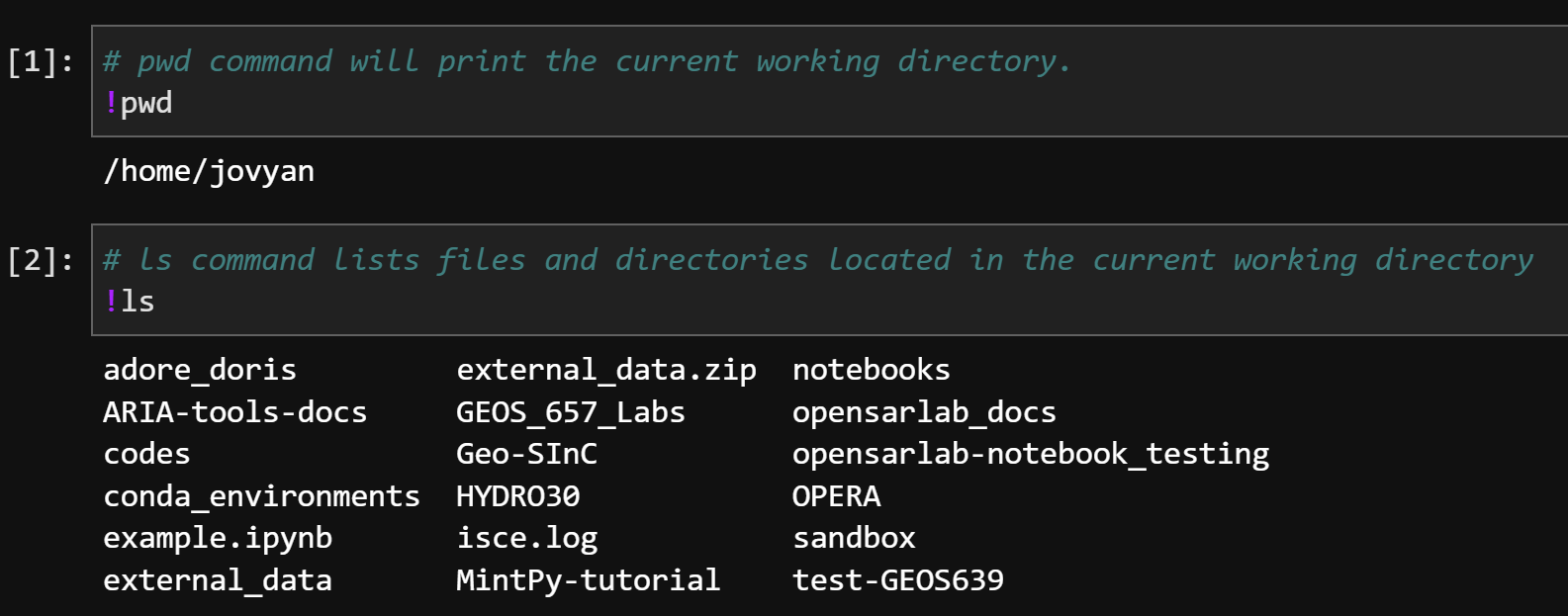
Using ! to run shell commands in a Jupyter Notebook.
Line Magics
Line magics start with a single %. They either update a setting that affect the entire notebook or they affect only the line where % is used.
%matplotlib inline
Display non-interactive
matplotlib plotsin code cell output.Turns on inline plotting for the entire notebook
%matplotlib widget
Display interactive
matplotlib plotsin code cell output.Turns on interactive plotting for the entire notebook.
%time
Time the execution of a Python expression.
Times only the line containing the
%timemagic command.
Find information on many more line magics here.
Cell Magics
Cell magics start with %% and affect the contents of an entire code cell.
%%javascript or %%js
Run a JavaScript code cell.
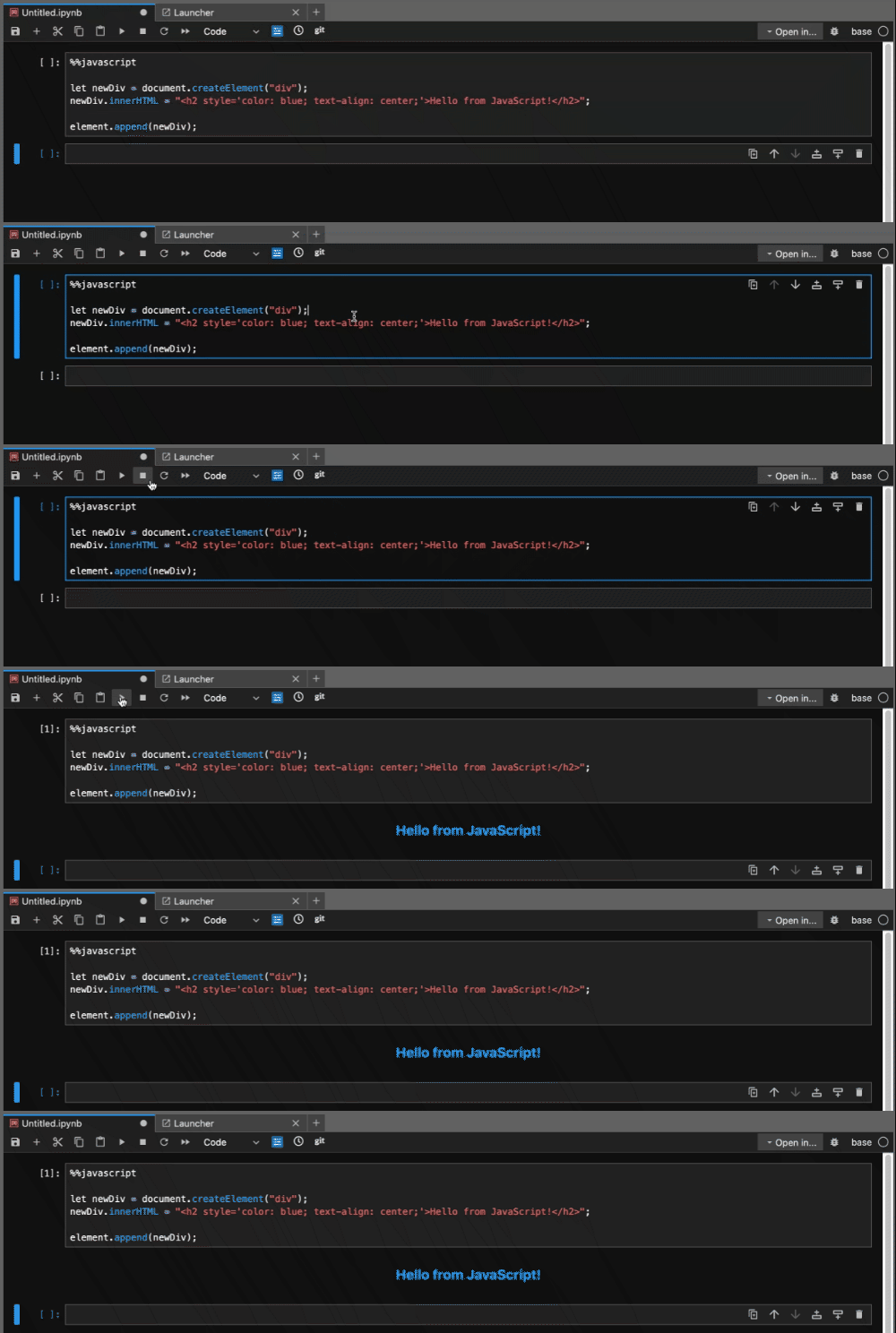
Jupyter Javascript magic example.
%%capture
Run a code cell but capture and hide all output.