OpenSARLab is a cloud-hosted JupyterHub configured for working with SAR data. It is deployed next to NASA data in AWS region us-west-2 for low-latency access to large SAR datasets.
Access to OpenSARLab
ASF provides limited access to OpenSARLab.
Access is provided through the OpenSARLab Access Application.
Anyone working on a NASA-funded project will have their application approved.
Request access using your NASA email address if you have one.
If you do not have a NASA email, please provide details on your NASA-funded project, including the name of the PI and their contact information.
All others will be evaluated based on their application. More descriptive answers for your situation make the application process easier and more likely to be accepted.
Access for non-NASA affiliates is month-to-month and as-budget-allows. If your access is set to be revoked, we will get in touch to ensure that you are able to download any workflows and results before you lose access.
Applications are reviewed weekly.
OpenSARLab Access Application
Applications to OpenSARLab are done through the OpenScienceLab Portal.
In the home page of OpenScienceLab Portal, click on the
Apply for Accessbutton.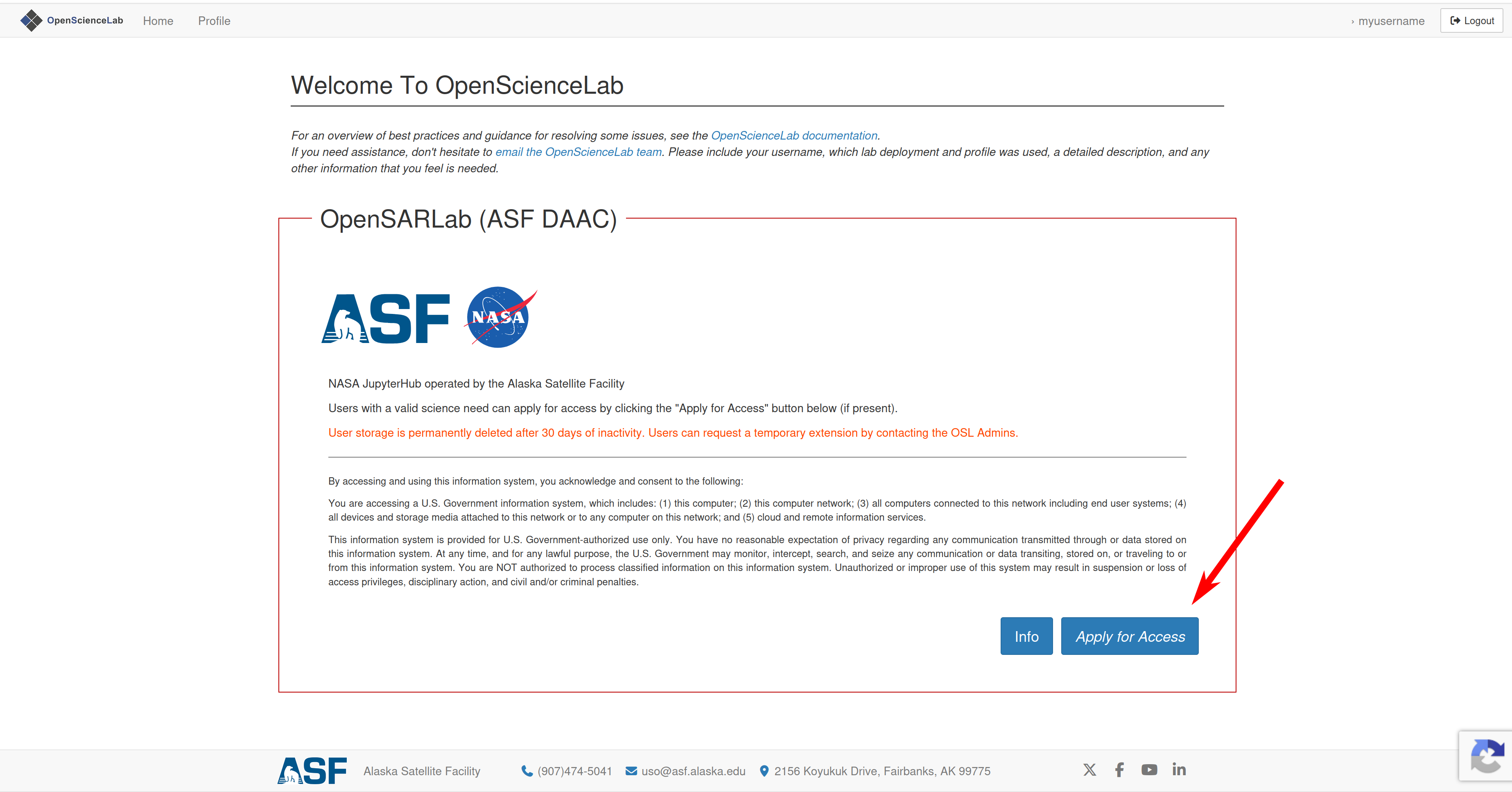
Fill all required application questions, then click
Submit Application.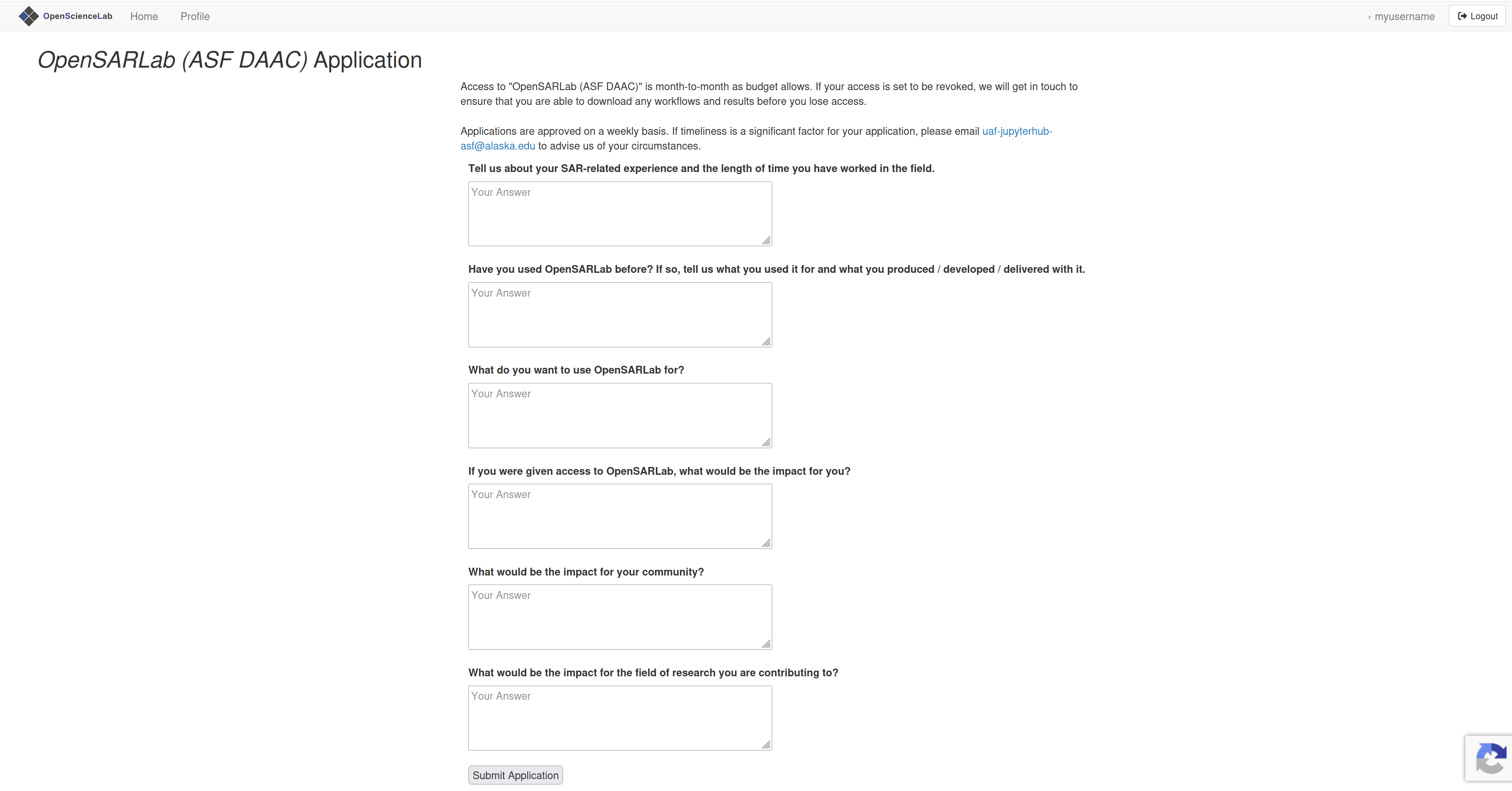
You will get an email on the status of your application within a week.
Storage Lifecycle
User storage will be deleted on the 30th day of inactivity.
Warning emails are sent to inactive users after 24, 27, and 29 days.
The user volume and snapshot are permanently destroyed after the final day of inactivity in the lifecycle window.
Lifecycle periods for custom labs may differ.
OpenSARLab Environment
Operating System
Ubuntu 22.04.4 LTS
Server Profiles
Every OpenSARLab user has access to a JupyterHub server running on an AWS EC2 instance. Users may select from two server profiles offering varying amounts of compute resources to support different workloads.
m6a.large:
RAM Guarantee: 5G
RAM limit: 8G
CPU limit: 2
m6a.xlarge:
RAM Guarantee: 10G
RAM limit: 16G
CPU limit: 4
Volume (storage)
*500GB of EBS volume storage per user.
OpenSARLab uses Amazon AWS EBS volumes mounted on user servers’ home directories for persistent storage.
If a volume is full when a user shuts down their server, it will trigger an
out-of-storage exceptionthat will prevent users from starting a server again.Please contact an OpenScienceLab administrator if this occurs.
Privileges
Users do not have
root(i.e.,sudo) privileges.Users have read/write access in their local directories on their EBS volumes, but limited write access in their root directories.