OpenScienceLab is a single-sign-on portal providing access to ASF-managed JupyterHubs such as OpenSARLab. OpenScienceLab also hosts labs for research projects, classes, and workshops. If you are attending a class or workshop, your instructor will provide details for gaining access to the lab.
Sign Up for an OpenScienceLab Account
Whether accessing OpenSARLab, a class/workshop lab, or any other ASF-hosted lab, you will need an OpenScienceLab account
Open a web browser and navigate to https://
opensciencelab .asf .alaska .edu/ On the OpenScienceLab landing page, click the
Create Accountbutton: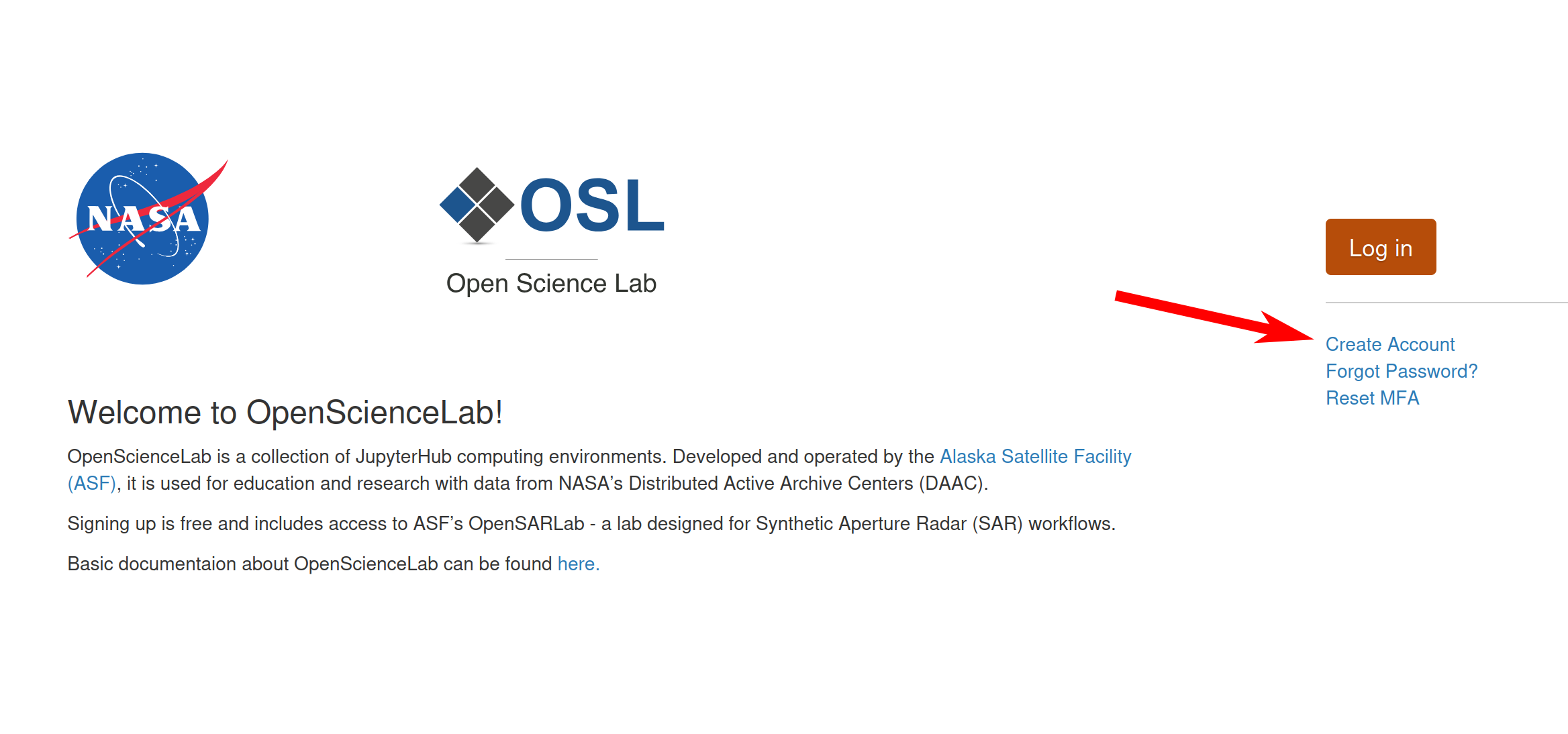
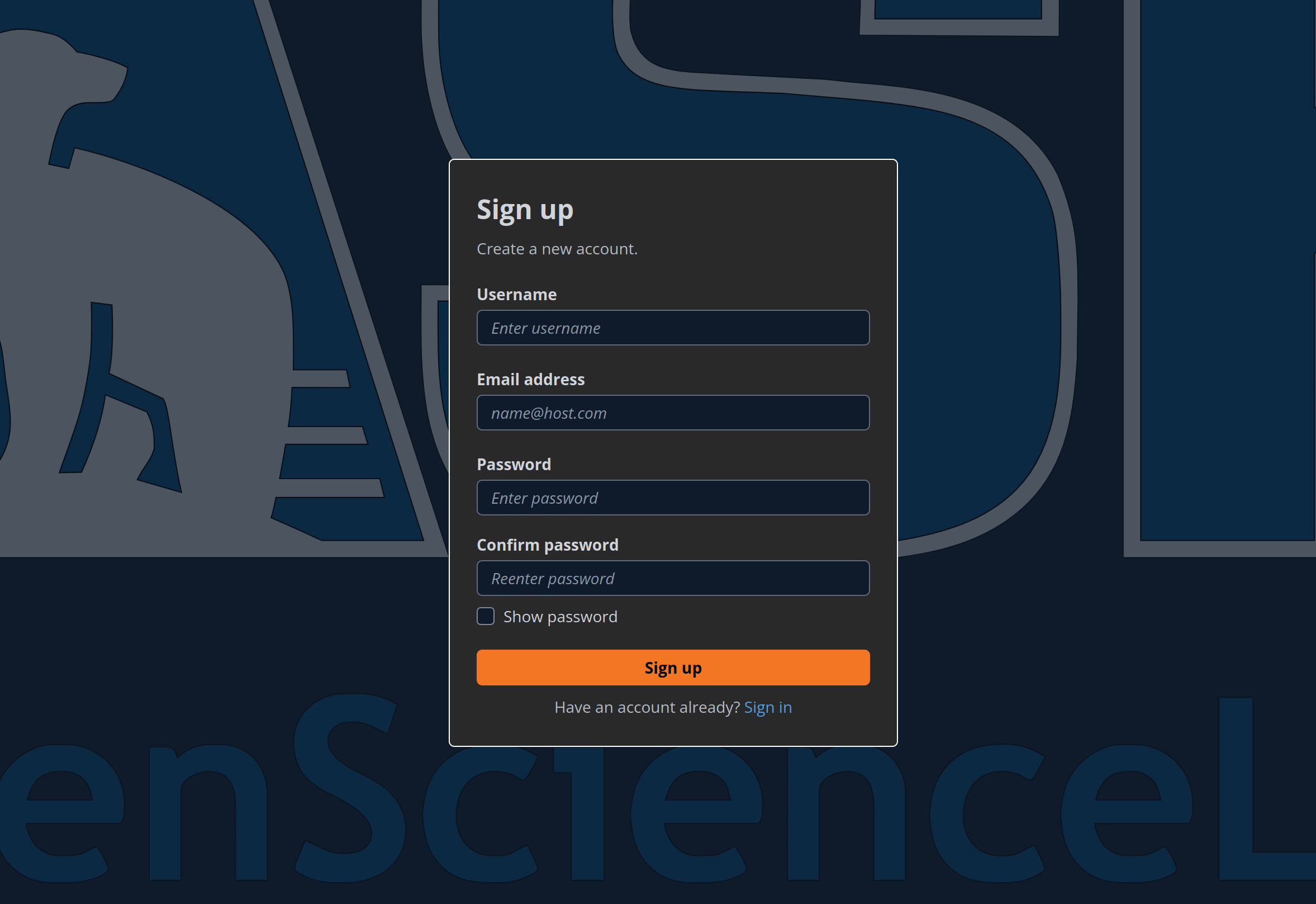
Complete the Sign Up form
Click the confirmation link in your email
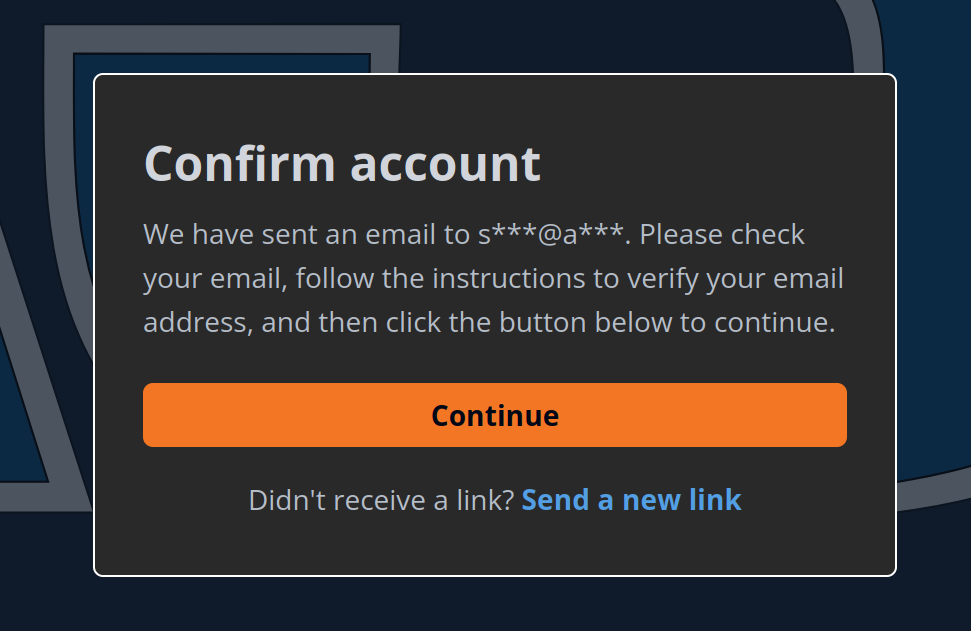
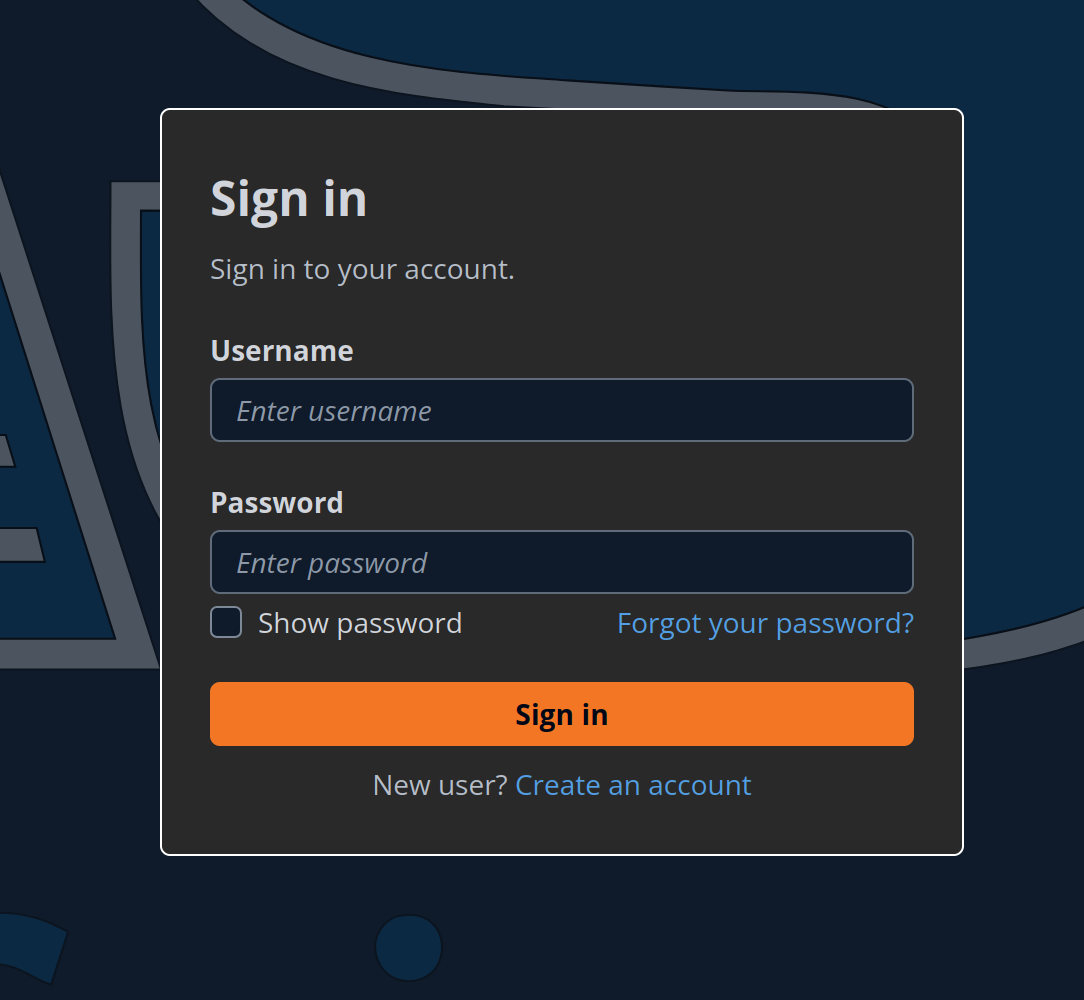
After your account has been confirmed, sign into your account
Set up your MFA. OpenScienceLab will likely appear as
portalcdkstack-prod.auth.us-west-2.amazoncognito.com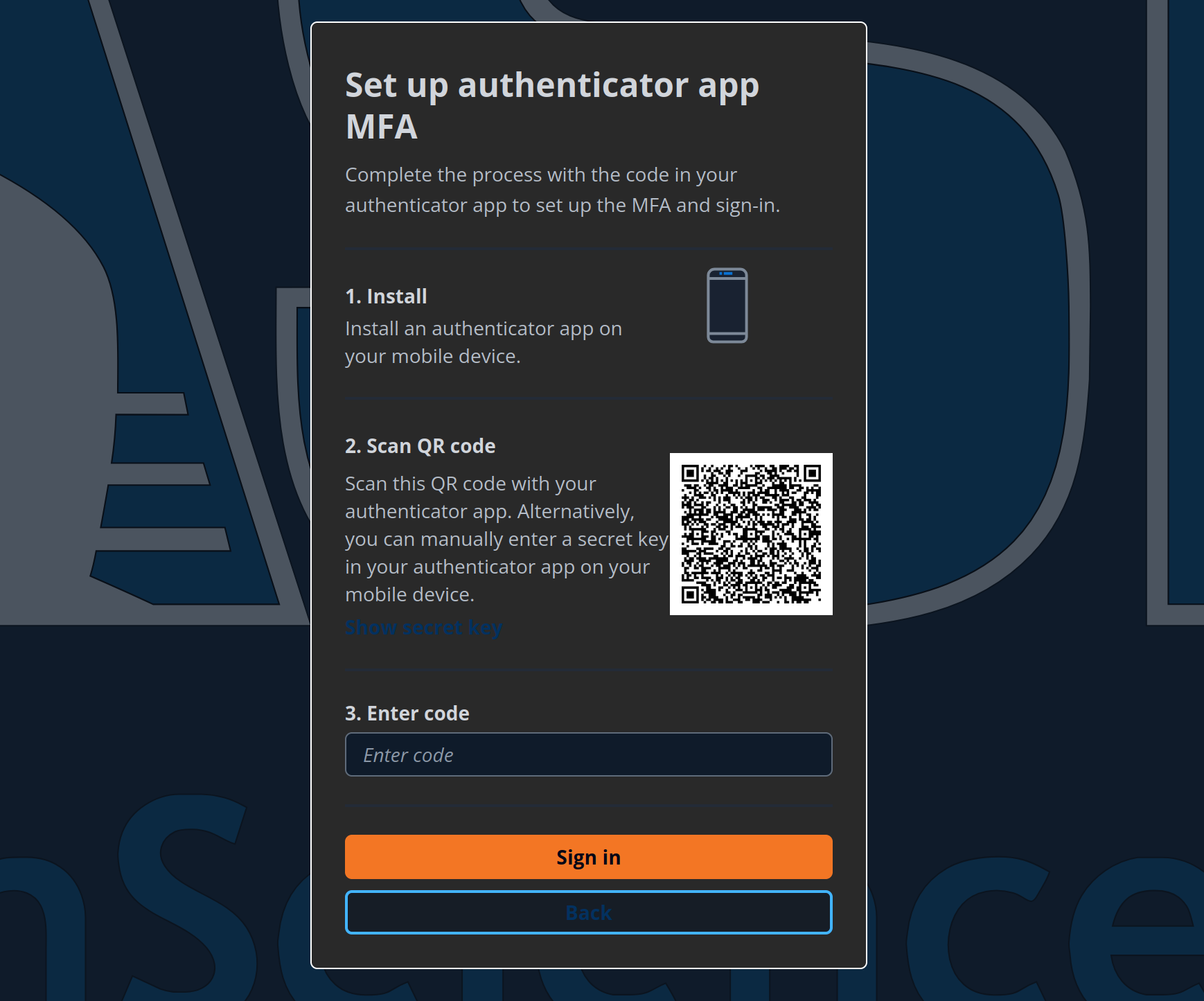
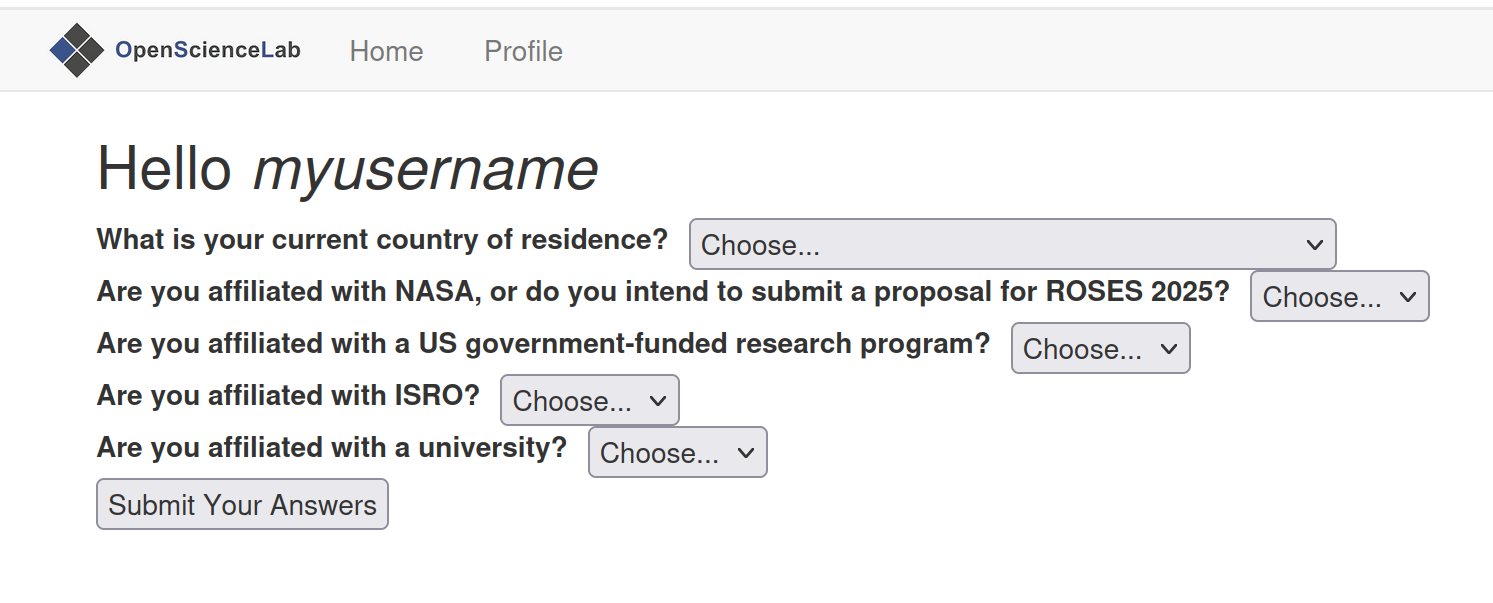
Fill out your profile and your account creation will be completed