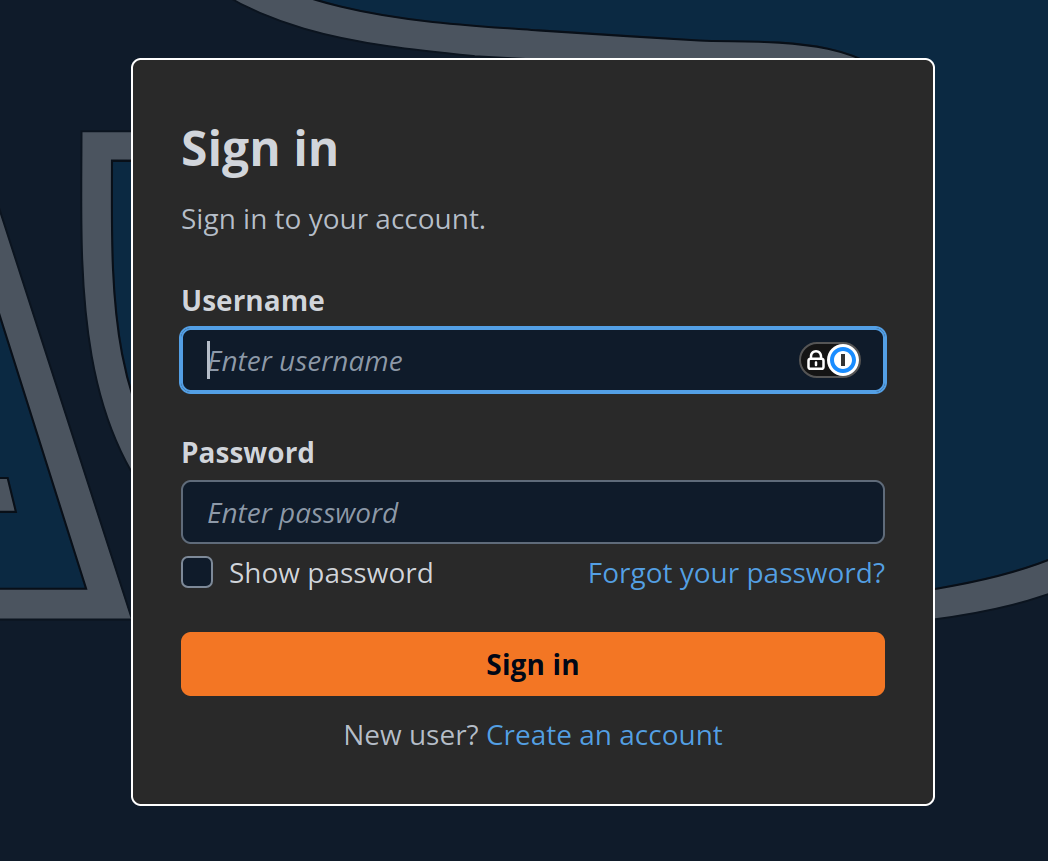
If you are logged out, click the
Forgot Passwordbutton.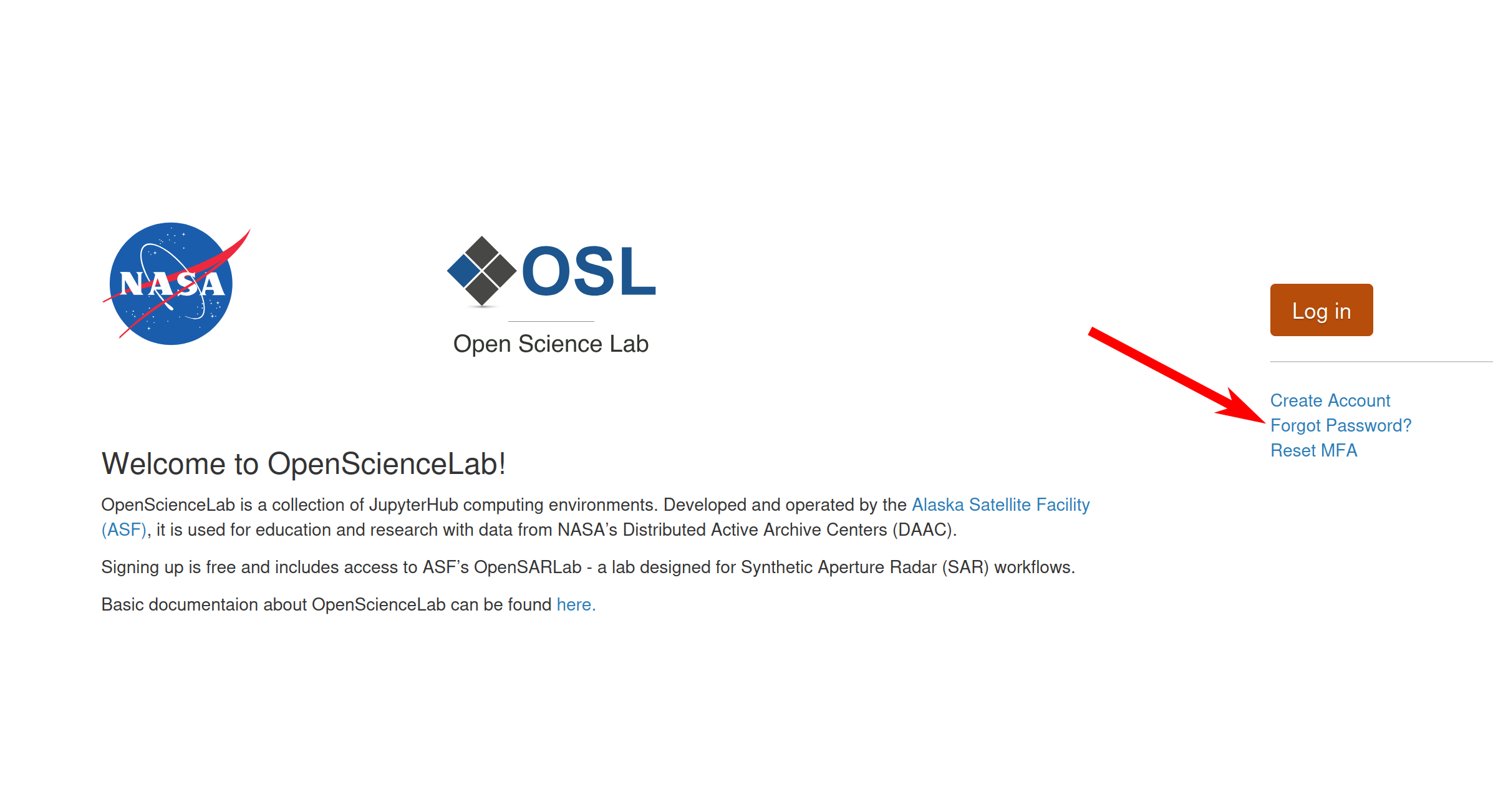
If you are logged in, click on your username in the upper right corner, then click on the
Reset Passwordbutton.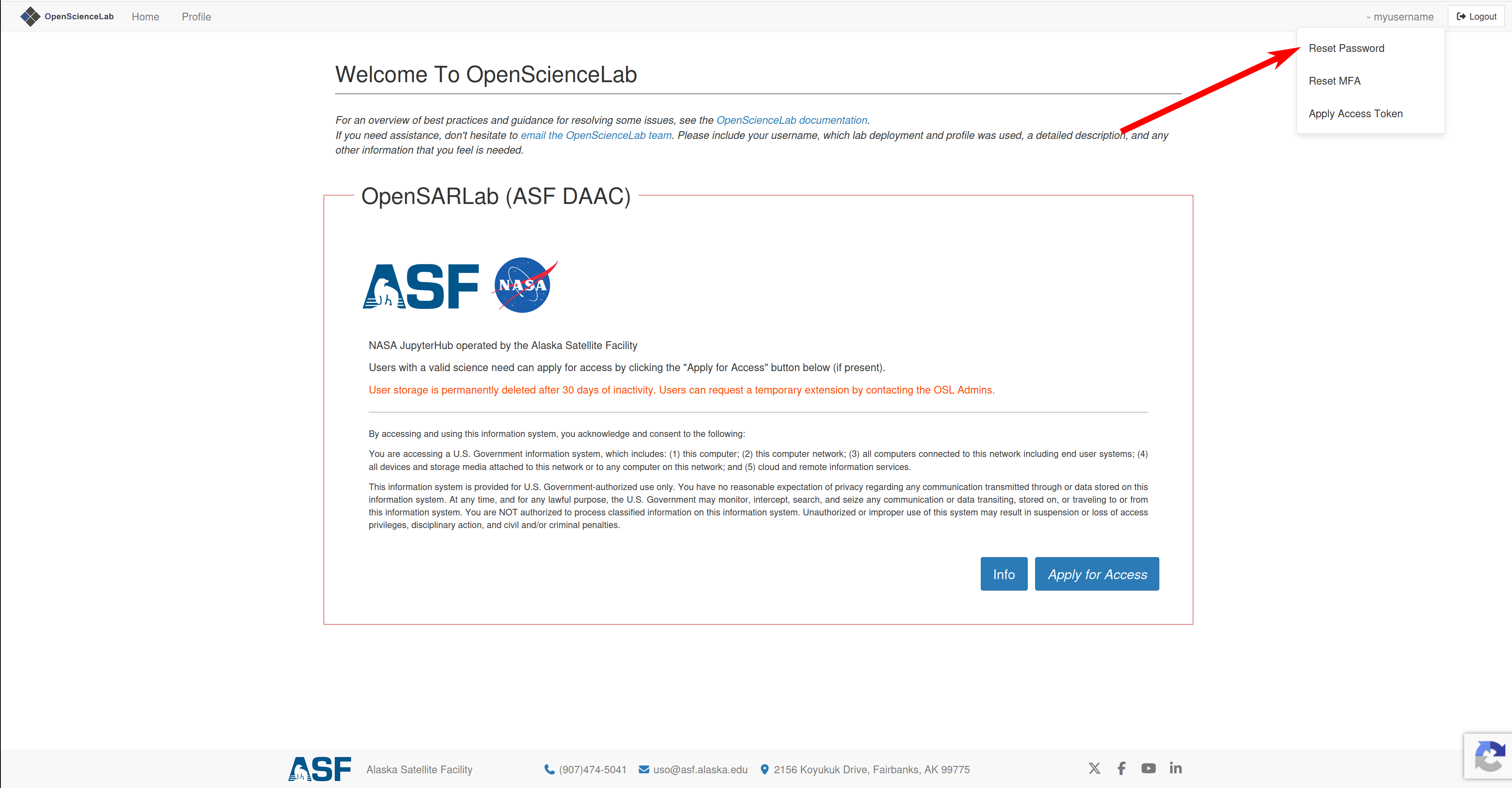
Enter your usename, this will send a code to your email.
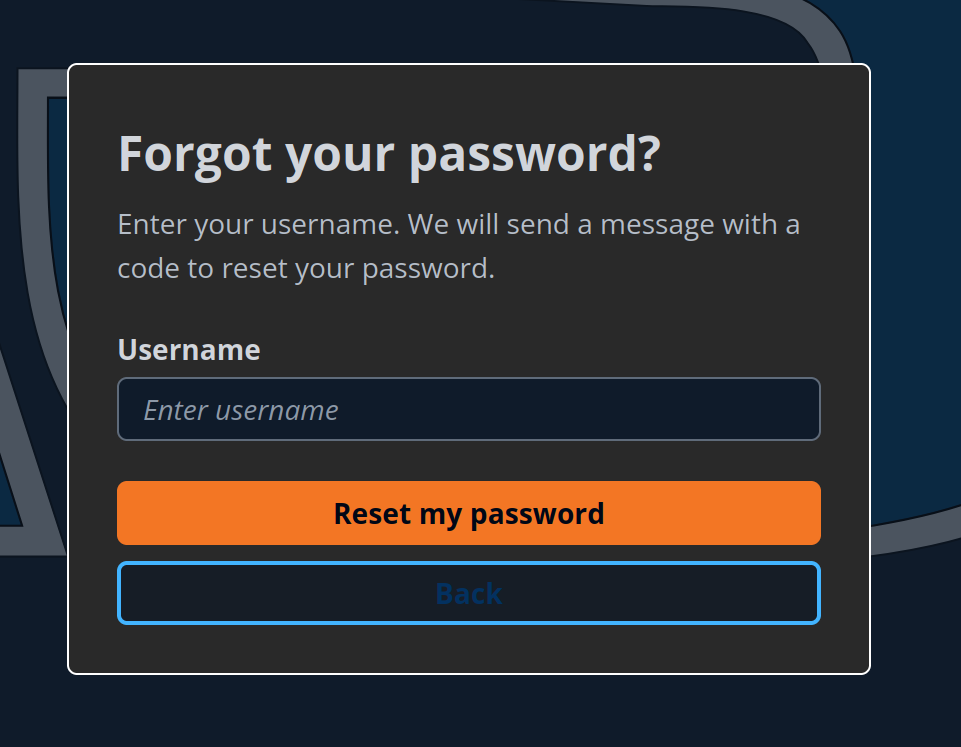
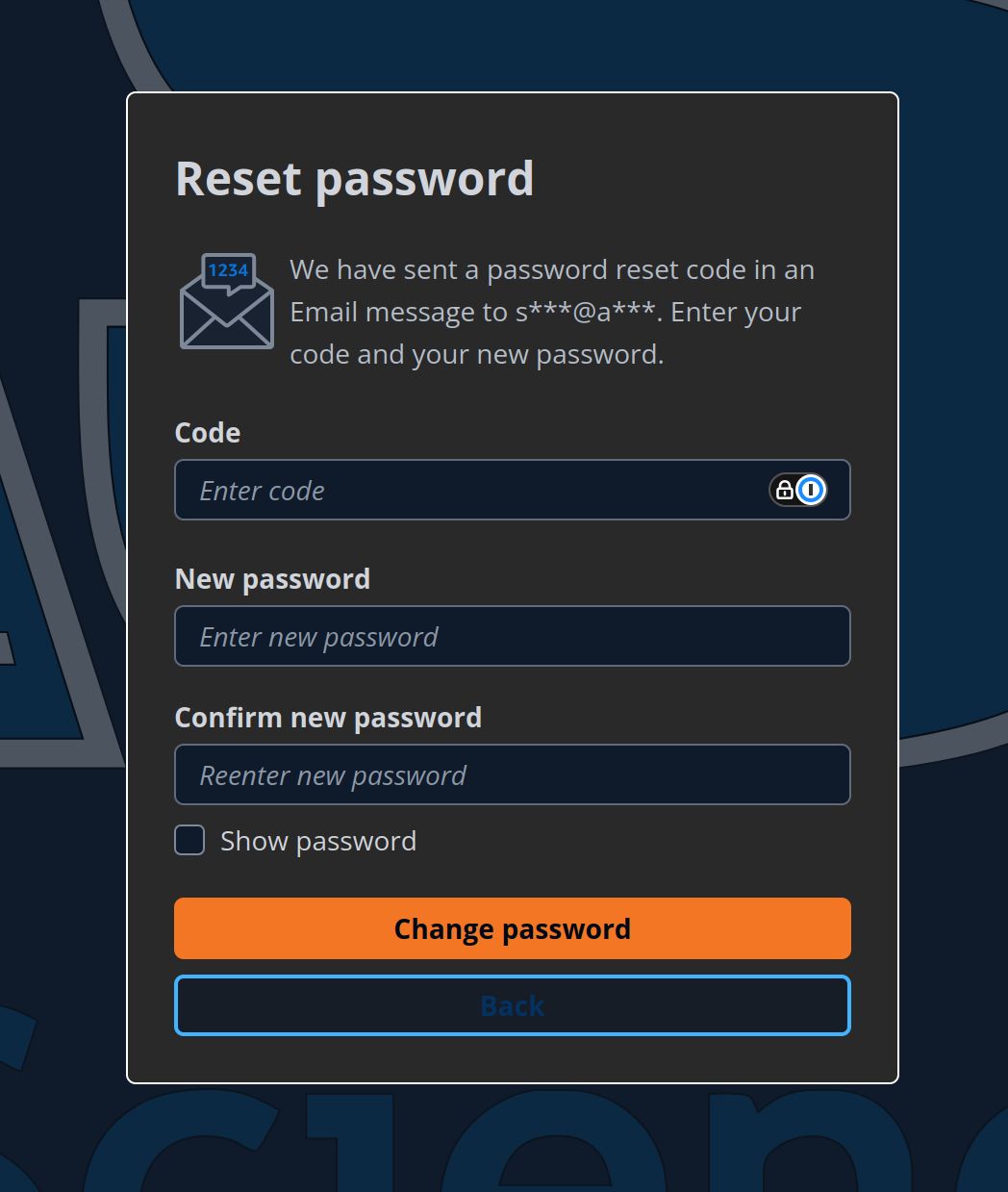
Enter the code you recieved in your email, and type in your new password.
Sign in with your new password.